Última atualização:
AI SCORE
/ 100
Samsung Galaxy Tab S9 Ultra is one of the strongest performers in tablets, scoring 92/100 on our AI engine. It backed by a 11200 mAh battery and with 12GB RAM and 256GB storage. Priced around $1,099, it competes in the flagship tier.
RAM
12 GB vs avg 7 GB
Samsung Galaxy Tab S9 Ultra Review
The Samsung Galaxy Tab S9 Ultra is the largest Android tablet ever sold by a major manufacturer — a 14.6-inch Dynamic AMOLED 2X display, Snapdragon 8 Gen 2 processor, 12GB RAM, included S Pen, and IP68 water and dust resistance in a 5.5mm-thin titanium-and-aluminum chassis. At $1,099 it competes directly with the 13-inch iPad Pro M4 on price and feature breadth, and remains the only credible Android tablet for buyers who want a true laptop-replacement experience with a stylus-first workflow.
The display is the headline feature. The 14.6-inch Dynamic AMOLED 2X panel at 2960×1848 resolution delivers true black levels, vibrant color, 120Hz adaptive refresh, and 1,750 nits peak HDR brightness. It's noticeably larger than the iPad Pro 13 (and significantly larger than any other Android tablet) — useful for split-screen multitasking, video editing timelines, large-canvas illustration, and content consumption. The included S Pen offers 4,096 pressure levels, low latency, and integrates with Samsung Notes, Adobe apps, and third-party drawing applications.
What the Tab S9 Ultra delivers that the iPad Pro doesn't: full DeX desktop mode (transforms the tablet into a Windows-style multi-window workspace), Microsoft Office desktop-style functionality, true file management with full SD card and USB-C external storage, and a less constrained software philosophy than iPadOS. What it doesn't deliver: the iPad's app ecosystem depth, the iPad Pro M4's raw processor performance (Snapdragon 8 Gen 2 is roughly equivalent to Apple M1, well below M4), or the iPad's polished accessory ecosystem (Samsung's Book Cover Keyboard is functional but trails Apple's Magic Keyboard in build and refinement).
Prices may vary · We may earn a commission. Learn more
For Android-ecosystem buyers, Samsung loyalists, S Pen-first creative workflows, and users who genuinely need 14.6 inches of mobile display, the Tab S9 Ultra is the only Android tablet that matters in 2026. iOS users will be better served by the iPad Pro 13 M4.
The Samsung Galaxy Tab S9 Ultra is built for Android-ecosystem power users, Samsung Galaxy phone owners (continuity features), S Pen-first creative workflows, and buyers who specifically need the 14.6-inch display for split-screen multitasking, large-canvas illustration, or video editing. It's also the right pick for users who value DeX desktop mode, full file management, and a less restrictive software environment than iPadOS. Skip it if you're deep in the Apple ecosystem (iPad Pro 13 M4 is the natural choice), if you primarily consume media without creating content (cheaper Tab S9+ or even a 13-inch iPad will be sufficient), or if you prefer Android phone-tablet workflows over true laptop-replacement use cases.
AI-generated expert assessment · Updated 2026
The Samsung Galaxy Tab S9 Ultra, released August 2023 and current through the Tab S10 Ultra refresh in 2024-2026, is Samsung's flagship Android tablet. $1,099 retail for 256GB Wi-Fi; 512GB and 1TB configurations available, plus 5G variants. Frequently $899-999 on sale.
14.6-inch Dynamic AMOLED 2X at 2960×1848 resolution (240 PPI). True black, infinite contrast, 120Hz adaptive refresh, 1,750 nits peak HDR brightness. Anti-reflective coating reduces glare in outdoor or studio lighting.
The display size is the defining feature — significantly larger than the 13-inch iPad Pro and dwarfing all other Android tablets. Useful for: split-screen multitasking (genuinely usable with two apps full-screen), large-canvas illustration, video editing timelines, document review, and content consumption. The size also makes one-handed use impossible and increases weight to 732g.
The included S Pen offers 4,096 pressure levels, 2.8 ms latency (low enough that the lag is imperceptible in most use), and tilt detection. Stores magnetically on the back of the tablet — secure but loseable.
Adobe Photoshop, Affinity Designer, Procreate (when it eventually launches on Android — Procreate remains iPad-exclusive as of 2026), Samsung Notes, ArtFlow, and Concepts all integrate well with the S Pen. The pressure curve and tilt response are smooth and reliable for serious illustration use.
The lack of Procreate on Android is the single biggest creative-app weakness vs the iPad. Most other professional creative apps are available, but Procreate remains a iPad-only platform.
Snapdragon 8 Gen 2 (Qualcomm's 2022-2023 flagship). 12GB RAM standard. Performance is excellent for general use, gaming, and most productivity tasks — but measurably slower than Apple Silicon (M2 or M4) in sustained creative workloads like video editing or large-file image processing.
For Android-ecosystem app context, the SD 8 Gen 2 is roughly equivalent to M1 in single-thread performance and slightly behind M2 in multi-thread. Sufficient for most users; demanding creative pros may notice the gap.
Thermal management is good — the thin chassis can warm under sustained heavy load but doesn't throttle significantly in normal use.
DeX transforms the tablet into a Windows-style multi-window desktop environment. Connect a keyboard and mouse, and you have a genuinely functional laptop-class workspace with resizable windows, taskbar, and standard desktop interactions. Microsoft Office runs with desktop-class functionality (more features than iPadOS Office apps); web browsing in DeX mode handles desktop-class workflows.
The Book Cover Keyboard (sold separately at $349) is functional but trails the iPad Magic Keyboard in build quality and key feel. Third-party Bluetooth keyboards work but lack DeX-aware function keys.
11,200 mAh battery. Real-world: 10-12 hours of mixed productivity, 8 hours of video streaming at high brightness. 45W wired charging brings battery from 0-100% in roughly 90 minutes. Wireless charging is supported but limited to 15W.
The large display drives substantial battery consumption — this is a tablet you'll plug in nightly during heavy use, but battery life is comparable to or better than competing tablets and laptops at this screen size.
Android 14 with Samsung's One UI overlay. Multi-window support is more sophisticated than stock Android, with up to four apps on screen simultaneously, picture-in-picture, and tap-and-hold app management.
Samsung Galaxy phone integration: continuity features include Samsung Notes sync, Samsung Quick Share, and Phone Link for calls/messages on the tablet. Strong continuity within the Samsung ecosystem.
App ecosystem on Android tablets has improved significantly — most major apps now offer proper tablet UIs. The Android tablet app gap vs iPad remains real but narrower than 5 years ago. Procreate remains the most notable absent app.
We score the Galaxy Tab S9 Ultra 9.2/10. At $1,099 retail (or $899-999 on sale) it's premium-priced but uniquely positioned — no other Android tablet matches its display size and capability. For Android-ecosystem buyers, the choice is between Tab S9 Ultra ($1,099) and Tab S9+ ($999, 12.4-inch display) — the Plus is more portable; the Ultra is more capable as a laptop replacement.
vs iPad Pro 13 M4 ($1,299): iPad has superior processor performance, more polished app ecosystem (especially creative apps like Procreate), and better accessory ecosystem. Tab S9 Ultra has larger display, DeX desktop mode, lower price, full file management, and S Pen included (Apple Pencil Pro is $129 extra). Pick based on ecosystem preference and primary use case.
Digital illustration with S Pen
14.6-inch AMOLED canvas with 4,096-level pressure-sensitive S Pen is the largest mobile illustration platform on Android. Photoshop, Affinity Designer, ArtFlow, and Concepts all work well. The main creative limitation is Procreate's iPad exclusivity — Android-first illustrators are well-served; Procreate-trained users may need to switch apps.
Multi-app productivity with DeX
DeX desktop mode transforms the tablet into a Windows-style multi-window environment. Connect keyboard and mouse, and you have a functional laptop replacement with up to four apps simultaneously. Microsoft Office in DeX mode delivers more desktop-class functionality than iPad versions.
Video editing and content creation
Large display provides timeline real estate for serious mobile video editing. Adobe Premiere Rush, KineMaster, and CapCut all run well. The Snapdragon 8 Gen 2 is sufficient for 4K editing but slower than Apple Silicon — expect longer export times than iPad Pro M4.
Samsung ecosystem integration
Galaxy phone owners benefit from continuity features: Samsung Notes sync, Quick Share file transfer, Phone Link for calls and messages on the tablet, and Samsung DeX wireless display to the tablet from compatible phones. The deepest Android tablet-phone ecosystem available.
Document review and PDF work
Large 14.6-inch display is ideal for reviewing complex PDFs, architectural drawings, medical imaging, legal documents, and similar large-format content. Side-by-side document comparison works well. The S Pen handles markup, highlighting, and annotation smoothly with palm rejection.
Reviewed by VersusMatrix Editorial Team
Last updated: May 30, 2026
Methodology: AI-powered analysis of technical specifications from manufacturer data. Scores are calculated by comparing products across multiple dimensions and normalized relative to the full category database. Our editorial process is independent and not influenced by affiliate partnerships.
Você já usou o Samsung Galaxy Tab S9 Ultra?
Compartilhe sua experiência para ajudar outros a tomarem melhores decisões.
Samsung Galaxy Tab S9 Ultra vs
Apple iPad Pro M4 (13-inch)
Samsung Galaxy Tab S9 Ultra vs
Lenovo Tab P12-2024
Samsung Galaxy Tab S9 Ultra vs
Lenovo Tab P12
Samsung Galaxy Tab S9 Ultra vs
OnePlus Pad 2
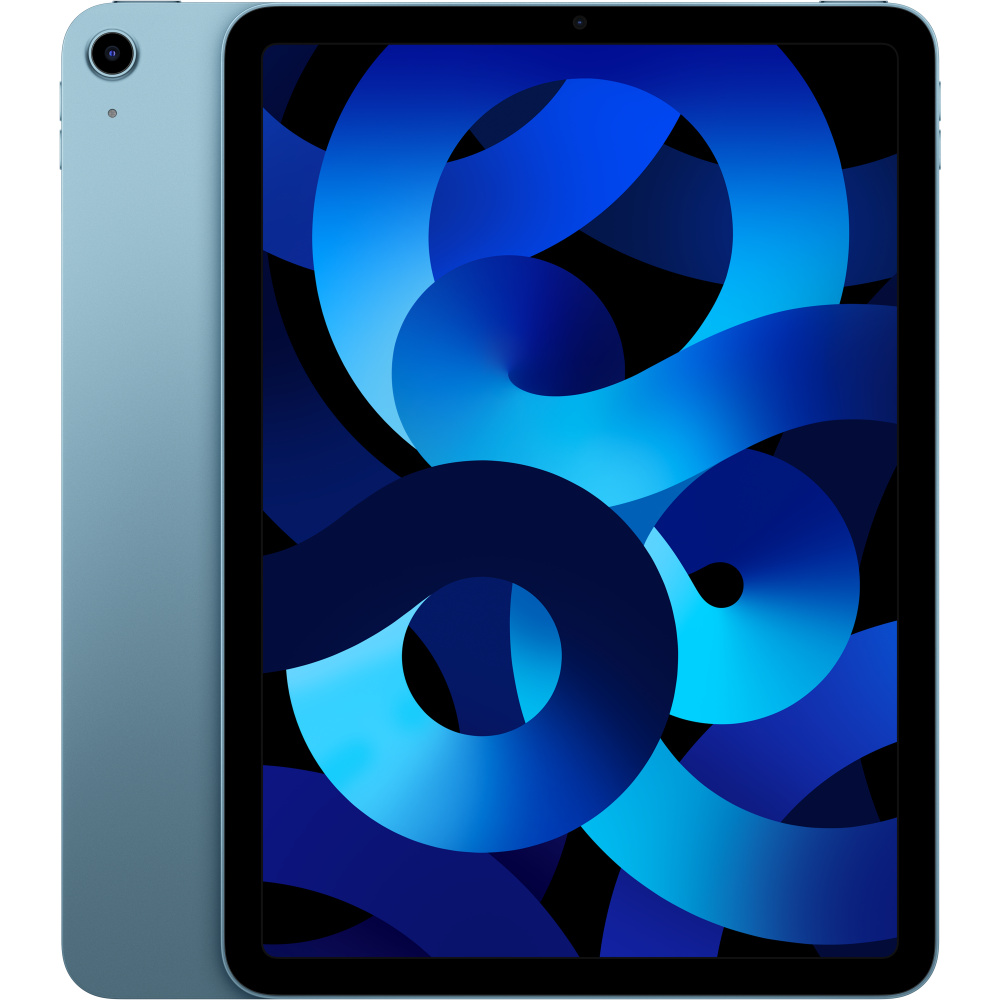
Samsung Galaxy Tab S9 Ultra vs
Apple iPad Air 11" M2 Wi-Fi – Space
Samsung Galaxy Tab S9 Ultra vs
Lenovo Tab P12 Pro
Samsung Galaxy Tab S9 Ultra Review The Samsung Galaxy Tab S9 Ultra is the largest Android tablet ever sold by a major manufacturer — a 14.6-inch Dynamic AMOLED 2X display, Snapdragon 8 Gen 2 processor, 12GB RAM, included S Pen, and IP68 water and dust resistance in a 5.5mm-thin titanium-and-aluminu...
The Samsung Galaxy Tab S9 Ultra is equipped with a 11200 mAh battery.
The Samsung Galaxy Tab S9 Ultra is priced at approximately $1099. Check the buy links above for current prices from retailers.
The Samsung Galaxy Tab S9 Ultra is built for Android-ecosystem power users, Samsung Galaxy phone owners (continuity features), S Pen-first creative workflows, and buyers who specifically need the 14.6-inch display for split-screen multitasking, large-canvas illustration, or video editing. It's also the right pick for users who value DeX desktop mode, full file management, and a less restrictive software environment than iPadOS. Skip it if you're deep in the Apple ecosystem (iPad Pro 13 M4 is the natural choice), if you primarily consume media without creating content (cheaper Tab S9+ or even a 13-inch iPad will be sufficient), or if you prefer Android phone-tablet workflows over true laptop-replacement use cases.
iPad Pro 13 M4 ($1,299): superior processor (M4 vs SD 8 Gen 2), more polished creative app ecosystem (Procreate, Final Cut Pro for iPad, Logic Pro for iPad), better Apple accessory ecosystem. Tab S9 Ultra ($1,099): larger display (14.6 vs 13 inches), DeX desktop mode, full file management, S Pen included, lower price. Choose by ecosystem preference (Android vs iOS) and primary creative apps.
For one-handed reading or casual browsing, yes — the size makes one-handed use impossible and the 732g weight tiring to hold in portrait. For desk-based productivity, illustration, video editing, and content consumption, the size is the main appeal. Consider Tab S9+ (12.4 inches, 581g) for more portable daily use; Tab S9 Ultra for primary-display laptop-replacement role.
For most workflows, yes — the S Pen offers similar pressure sensitivity, low latency, and tilt detection. Apple Pencil Pro has slightly more refined squeeze gestures and barrel roll (Samsung's S Pen lacks these). The S Pen is included with the tablet (Apple Pencil Pro is $129 extra). Practical drawing experience is comparable; choose by app preference and ecosystem.
DeX provides a Windows-style multi-window experience but is still constrained by Android's app model. Most Android apps work but some don't resize well to desktop windows. Microsoft Office in DeX is more capable than iPad versions but less capable than Windows desktop versions. For light productivity, browsing, document editing, and email — DeX is genuinely useful. For heavy multi-app workflows, a real laptop is still better.
Tab S10 Ultra (2024 refresh) introduces Dimensity 9300+ processor (replacing Snapdragon 8 Gen 2), some AI features (Galaxy AI integration), and marginal display refinements. Performance improvement is incremental — most users won't notice. The Tab S9 Ultra remains a current-generation purchase and is often $200-300 cheaper on sale. Buy S10 if you want absolute latest; buy S9 for value.
No clear timeline. Procreate is developed by Savage Interactive specifically for iPadOS, and the company has stated repeatedly that an Android version is not planned. Android illustrators use Adobe Fresco, ArtFlow, Concepts, ibis Paint X, or Krita instead — all good but none replicate Procreate's specific feature set. For Procreate-trained users, this remains the main reason to choose iPad.
For laptop-replacement use, yes — the keyboard transforms the Tab S9 Ultra into a genuine productivity device. The keyboard quality is functional but trails Apple's Magic Keyboard in build refinement and key feel. Third-party Bluetooth keyboards work but lack the magnetic attachment and trackpad. For users who plan to use DeX mode frequently, the Book Cover Keyboard is the natural pairing.
Samsung commits to 4 years of Android version updates and 5 years of security patches — among the longest support windows in Android. The Tab S9 Ultra will receive Android 14 (current), 15, 16, and 17 updates, with security patches through 2028. Long-term support is significantly better than most Android tablets but still trails the iPad Pro's 6-7 year iPadOS support window.